RTO vs RPO: What's the Difference & How Do You Set Them?
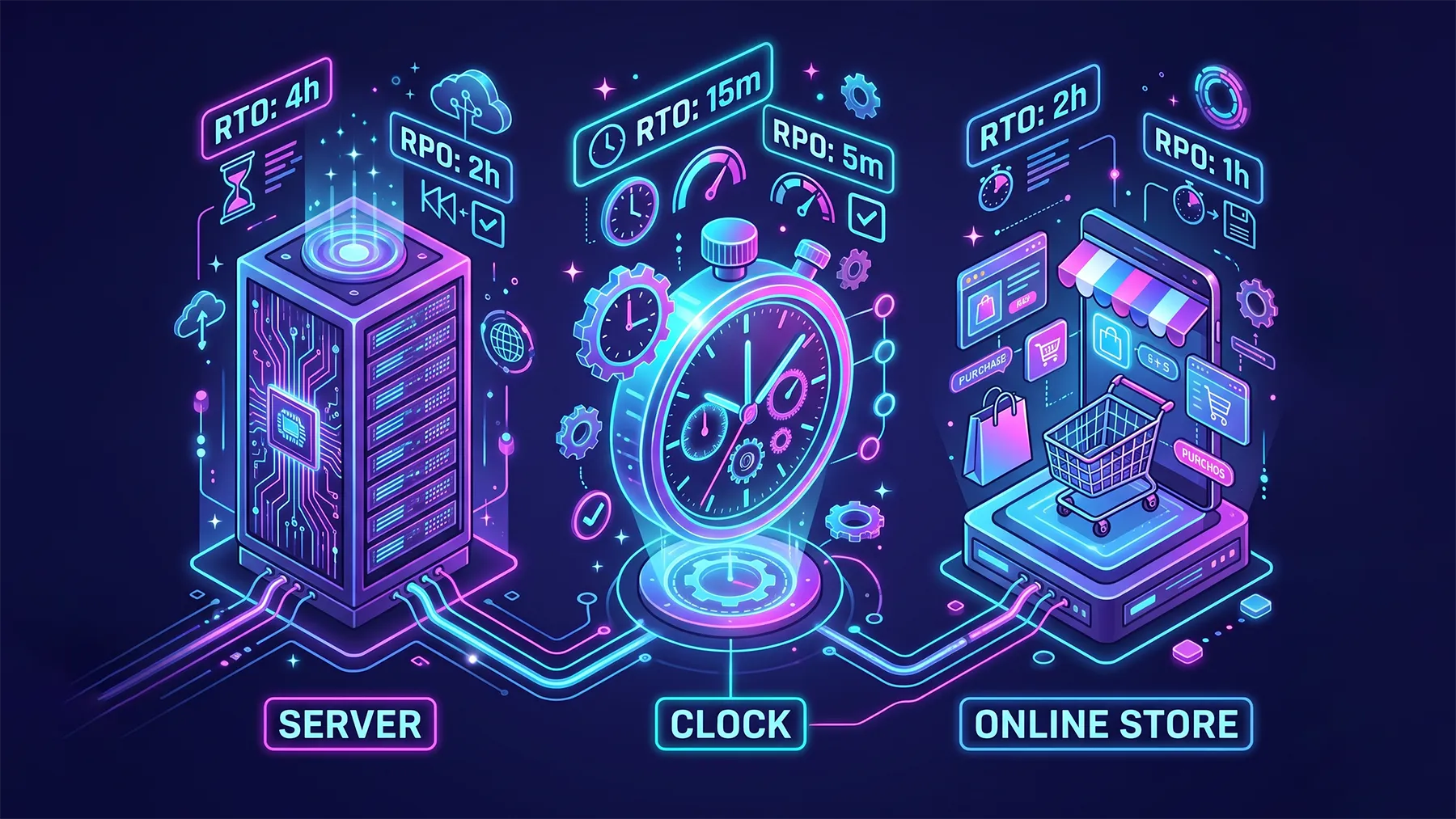
Sooner or later, an insurer, a client, or an auditor asks your business for its RTO and RPO figures. If you don't have them yet, or you think these numbers are nothing but gibberish, you're in good company. Most of the top search results on RTO vs RPO are written for enterprise IT teams with a second data centre on standby. A 10-person office needs something simpler. We wrote this guide on RTO and RPO for small businesses: plain definitions, practical example targets, and five steps to set your own.
What Is RTO & RPO? The Short Answer
RTO (recovery time objective) is how long you can afford to be down after something breaks. RPO (recovery point objective) is how much data you can afford to lose, measured in time. RTO looks forward from the moment of failure. RPO looks back from it. That's the core of RTO vs RPO: one target protects your time, and the other protects your data.
Here's how that plays out. Your office file server backs up every night at midnight. At 3:00 p.m., it goes down. Everything your team saved since midnight, 15 hours of work, is gone. That's your data loss, the RPO side.
Getting the files back takes until 7:00 p.m., so you're down for four hours. That's your downtime, the RTO side. If your targets were to lose no more than one hour of data and be back within two hours, that afternoon missed both. The timeline below shows both sides.
Both numbers are business decisions first and technical ones second. They decide how often you back up, which kind of backup you buy, and how much you spend.
What Is RTO (Recovery Time Objective)?
The RTO meaning in backup and disaster recovery is the longest your systems can stay down before the outage does serious damage to your business. (Not return-to-office. That's a different headache.) The US National Institute of Standards and Technology (NIST) defines it in its contingency planning guide. In NIST's words, RTO is the overall length of time a system can be in the recovery phase before it negatively impacts the organization's mission or business processes.
Think of RTO as your deadline for being back in business. An online store might set a one-hour RTO for checkout, because every hour offline is lost sales. A bookkeeper might accept a full day for last year's archive.
The clock starts when the system fails, not when someone starts the restore. That means RTO covers every step of the recovery:
- Noticing the problem and deciding to restore, the step nobody budgets time for
- Getting replacement hardware, if you need it
- Reinstalling the operating system and apps, or restoring a full system image with bare metal recovery
- Copying the data back, which is limited by disk and network speed
- Checking that everything works before people start using it again
What Is RPO (Recovery Point Objective)?
Here's the RPO meaning in one line: the oldest point in time your data can be restored to without causing unacceptable harm. NIST's own version is shorter: the point in time to which data must be recovered after an outage.
Put simply, RPO answers one question: how much work can we afford to redo? Back up once a day and you could lose up to a day of changes, so 24 hours is the best RPO you can promise. Back up every hour and the worst case drops to, you guessed it, an hour.
That's why your RPO sets your backup frequency. To meet a 15-minute RPO, you need a backup at least every 15 minutes, or continuous backup that copies changes as they happen.
How Ransomware Moves Your Recovery Point
RPO is measured to your last good copy, not your last copy, and ransomware is where that difference bites. Say ransomware starts encrypting files at 9:00 a.m. and nobody notices until 3:00 p.m. A backup that ran at noon saved encrypted files, exactly as it was told to. Your recovery point is the last clean version from before 9:00 a.m., so version history matters as much as backup frequency.
RTO vs RPO: Key Differences
- The question it answers: RTO asks how long you can be down. RPO asks how much data you can lose.
- How it's measured: RTO runs from the failure to full recovery. RPO runs from the last good backup to the failure.
- What it drives: RTO decides your restore method, spare hardware, and local copies. RPO decides how often you back up and which type of backup you use.
- How to shrink it: For RTO, use faster restores, local backups, and practiced recovery steps. For RPO, use more frequent or continuous backups and version history.
- Example: "Get the online store's checkout working again within one hour" vs "Lose no more than 15 minutes of orders"
It doesn't matter if you say RTO vs RPO or RPO vs RTO, because the two are independent. A system can have a tight RPO and a relaxed RTO, or the reverse. Payroll data might need an RPO of minutes, because rekeying timesheets is slow and error-prone. Its RTO can be a full day, since payroll only runs weekly.
Why RTO & RPO Matter in Disaster Recovery
RTO and RPO in disaster recovery turn a vague goal, "hey team, we should have backups," into targets you can actually test. Without them, you only find out how long a recovery takes, and how much you lost, in the middle of one.
In disaster recovery, RTO decides how you restore: the method, the hardware, and where the copies live. RPO in disaster recovery decides how often you back up.
They also keep spending honest. Tighter targets cost more: more frequent backups, more storage, faster connections, and spare hardware. When you set RTO and RPO system by system, you pay for speed where it matters and save where it doesn't.
Then there's the paperwork. Insurers, clients, and auditors may ask for these numbers, and having them written down and tested is part of a credible recovery plan.
RTO & RPO Examples for a Small Business
These example targets are for a typical 10-person office. They're illustrations, not a published standard, so adjust them to what each system is worth to you.
- Online store or booking system: RPO of 15 minutes, RTO of one hour. Every hour offline is lost revenue, and lost orders are hard to rebuild.
- Accounting files: RPO of one hour, RTO of four hours. Re-entering transactions is slow and error-prone.
- Shared project files: RPO of one hour, RTO of eight hours. Staff can work on local copies for a few hours.
- Email: RPO of one hour, RTO of four hours. Email is often hosted, so recovery is the provider's job, but check your plan.
- Staff laptops: RPO of 24 hours, RTO of one to two days. Important files belong in shared or backed-up folders anyway.
- Old archives: RPO and RTO of one week each. They rarely change and are rarely needed in a hurry.
How to Calculate & Set Your RTO & RPO in Five Steps
- List your systems and data: Include servers, laptops, cloud apps, your network-attached storage (NAS), and the files people depend on every day. Our 3-2-1 backup guide has a device checklist to start from.
- Work out what an hour of downtime costs: Count lost sales, idle staff time, missed deadlines, and contract penalties. Say six people earning $35 an hour sit idle while you lose $400 an hour in sales. Every hour down costs you about $610, and that number shapes your RTO.
- Work out what an hour of lost data costs: How long would it take to recreate an hour of orders, invoices, or design work? Could you recreate it at all? Your answer shapes your RPO. Together, steps two and three are the calculation, and they're the core of a basic business impact analysis (BIA).
- Group systems into tiers: Must-have systems get tight targets, important ones get hours, and everything else gets a day or more. Three tiers keep the plan manageable for a small office.
- Match your backups to the targets, then test: Set backup frequency to meet each RPO. Then run a practice restore and time it. If the timed restore beats your RTO, you're done. If it doesn't, change the method or the target.
How to Improve Your RTO & RPO
Lowering your RPO means losing less data when something fails:
- Back up more often. Incremental backups only copy what changed, so frequent runs stay fast.
- Keep version history, so you can roll back to the moment before a mistake or a ransomware infection.
- Check that every device is included, especially laptops and the NAS.
Lowering your RTO means recovering faster, and it starts with the bandwidth math people skip. Restoring 500 GB (gigabytes) over a 100 Mbps (megabits per second) connection takes at least 11 hours at full line speed, before any overhead. If that server's RTO is four hours, a restore from cloud backup alone won't meet it, whoever runs the cloud.
- Keep a local backup on an external drive or NAS for fast restores, plus an offsite copy for disasters.
- Keep a recent system image of your must-have machines, so you can rebuild without reinstalling everything.
- Restore the files people need first, instead of waiting for everything.
- Write down the recovery steps and practice them at least once a year.
Shrink Your Data Loss Window With Data Deposit Box
The simplest way to improve your RPO is to stop relying on a nightly backup. With Data Deposit Box, we back up your files continuously and automatically, so changes are copied offsite as you work instead of once a day. There's no schedule to babysit and no long gap since the last run.
- Offsite by default: A fire, flood, or break-in at the office doesn't take your backups with it.
- Version history: Roll a file back to an earlier time-stamped version, such as the copy from before ransomware hit.
- One account for every device: Windows, Mac, Linux, iOS, and Android, plus Synology, QNAP, and ASUSTOR NAS devices
- Browser access: Sign in from any computer and download the files you need first, even before replacement hardware arrives.
Pair Data Deposit Box with a local backup for fast restores of large systems, and you've covered both sides of the RTO and RPO equation.
Pricing is pay-as-you-go at $0.10 per GB per month, with a $20 USD monthly minimum. You can try it Free for 14 days.
Frequently Asked Questions About RTO vs RPO
What is the difference between RTO & RPO?
RTO is the maximum time you can be down after a failure. RPO is the maximum amount of data you can lose, measured as the time between your last good backup and the failure.
Which is more important, RTO or RPO?
Neither one wins every time, because it depends on the system. For an online store, downtime (RTO) tends to hurt most. For accounting or customer records, lost data (RPO) is often worse, because you may not be able to recreate it.
Can RPO be zero?
In theory, yes. A true zero RPO needs synchronous replication, where every write lands on a second system before it counts. That's expensive and mostly an enterprise tool. For a small business, minutes to an hour on your most important data is a realistic target with continuous or frequent backups.
What is a good RTO?
There's no standard number. A good RTO is shorter than the time it takes for an outage to cause serious harm, and you've proven it in a test restore.
Is RTO the same as MTTR?
No. RTO is a target you set in advance. Mean time to recovery (MTTR) is the average time your recoveries actually take. If your MTTR is longer than your RTO, your plan isn't working.
What's the difference between RTO, RPO & MTD?
Maximum tolerable downtime (MTD) is how long a business process can be disrupted before the damage becomes severe. NIST SP 800-34 treats MTD as the ceiling. Your RTO, plus the work recovery time (WRT) it takes to catch up on backlogged work, has to finish before you hit it. RPO sits on a different axis: it limits how much data you lose, not how long you're down.
How does backup frequency affect RPO?
Directly. Your RPO can't be shorter than the gap between backups. Daily backups mean you could lose up to a day of work, while continuous backup closes most of that gap.